Anbieter: Gulikit
Gulikit Dock for Nintendo Switch 1/Switch 2 (Silver)
8,72 €15,54 €43% OFF
Beschreibung
Gulikit Dock for Nintendo Switch 1/Switch 2
One Dock for Both GenerationsUpgrade your Nintendo gaming setup with the GuliKit Dock for Nintendo Switch 1 / Switch 2, a versatile docking solution designed to deliver high-resolution video, fast charging, efficient cooling, and flexible connectivity. Whether you're using the original Nintendo Switch or the latest Switch 2, this compact dock is built for convenient gaming at home or on the go.
4K 60Hz HDMI Video Output
Connect your console to a compatible TV or monitor and enjoy up to 4K 60Hz HDMI video output. The dock also supports 1080p and 2K resolutions, giving you flexible display options for different gaming setups.
HDR & Low-Latency Gaming
Experience enhanced visuals with support for both Static HDR and Dynamic HDR, delivering richer contrast and improved image quality on compatible displays.
ALLM (Auto Low Latency Mode) helps reduce display latency automatically, providing a more responsive experience during gameplay.
Designed for Better Cooling
The dock features strategically positioned air outlets that help maintain airflow around your Nintendo Switch while docked. This ventilation design helps dissipate heat during extended gaming sessions, keeping your console better cooled while you play.
100W PD Fast Charging
With support for PD 100W fast charging, the dock provides powerful and stable charging capability for compatible devices. Its USB-C power system supports multiple voltage levels for flexible power delivery.
High-Speed USB 3.0
The built-in USB 3.0 port provides high-speed data transfer and convenient connectivity for compatible gaming peripherals and USB devices.
TV Mode & Portable Use
Easily switch between TV docking and portable charging use. Its compact and lightweight design makes it convenient for your home gaming setup while remaining easy to carry during travel.
FIRMWARE UPDATE GUIDE
1. Connect the dock's USB-C port to your computer's USB-A port with a USB-C to USB-A cable.2. Visit our website, download the firmware pack, and run the auto-updater (find "NS35 Firmware Auto-Updater.exe" in the extracted folder).
3. Wait for the on-screen completion prompt, then disconnect the cable. Done—your dock is now fully optimized!
NOTE: 1. Green progress bar = Update successful. 2. Yellow progress bar = Already up to date. 3. Latest firmware recommended for best compatibility.
Specifications
| Brand | GuliKit |
| Product Name | Dock for Nintendo Switch 2 |
| USB-C Input | 5V / 9V / 15V / 20V |
| Built-in USB-C Output | 5V / 9V / 15V / 20V |
| USB-A Output | 5V |
| HDMI Output | 1080P / 2K / 4K |
Das könnte dir auch gefallen
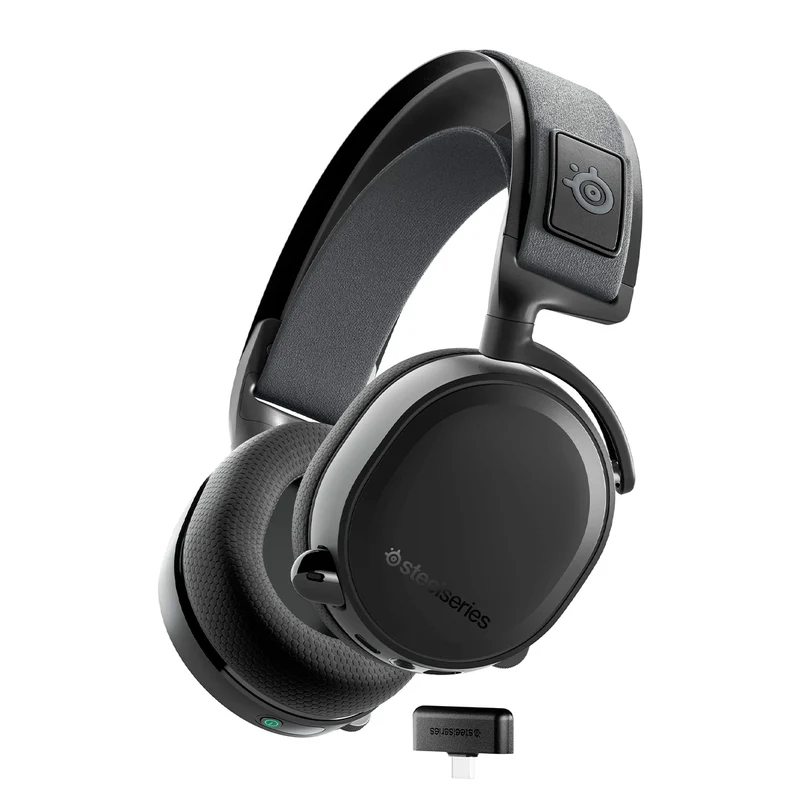 Im AngebotSteelseries Arctis 7+ Lossless Wireless Gaming Headset (Black) (PN61470)SteelSeries
85,08 €57,04 € Im AngebotSteelseries QCK Cloth Gaming Mousepad (3XL) (PN63842)SteelSeries
35,41 €21,66 € Im AngebotSteelseries Arctis SKI Google Band (Short) Crushed Snow (PN60079)SteelSeries
9,86 €6,37 € Im AngebotSteelseries Arctis SKI Google Band (Short) CRUSHED Dawn (PN60078)SteelSeries
9,86 €6,66 €